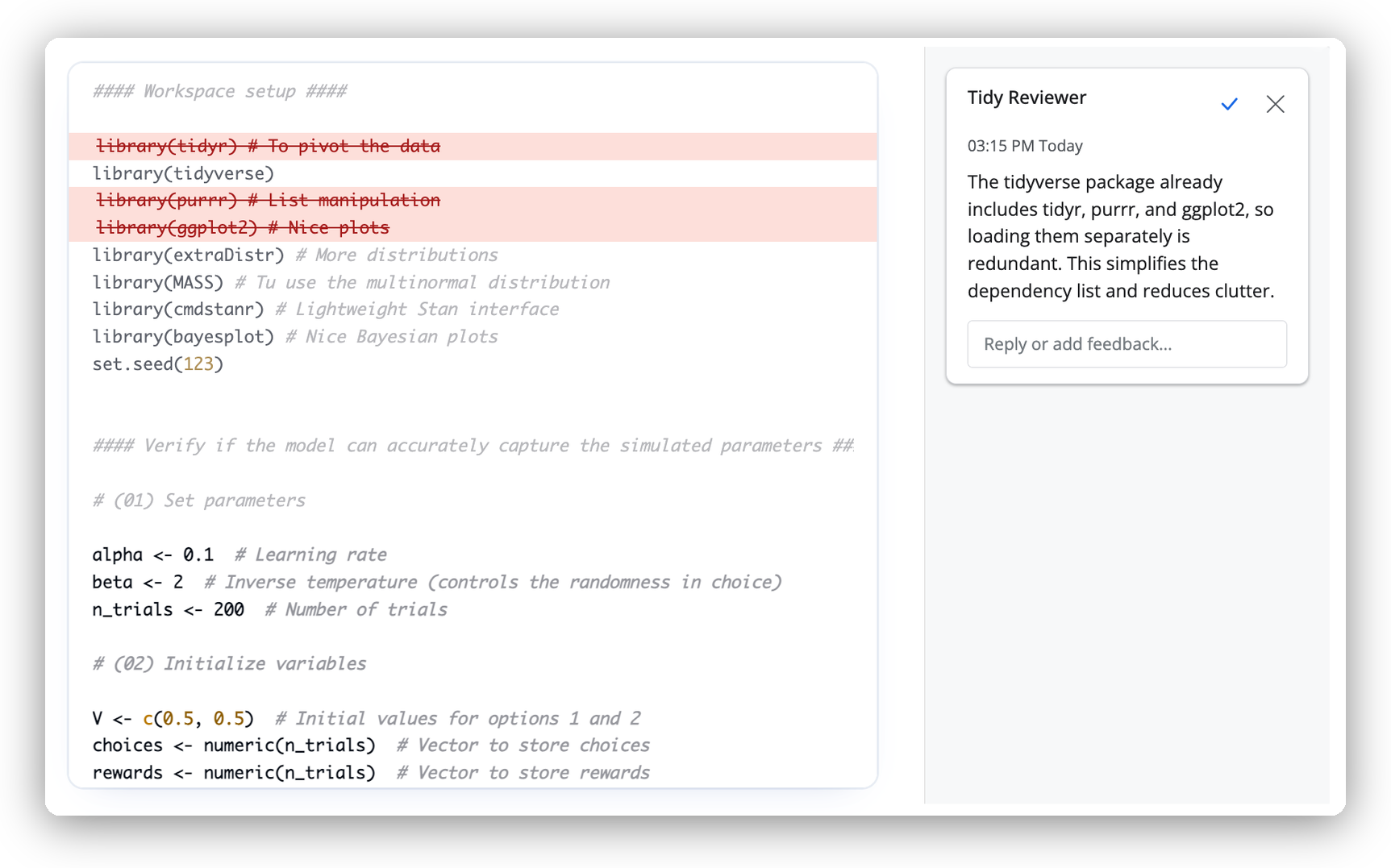
Human-scale LLM code review, as if a member of the tidyverse team were there with you to workshop your code for reproducibility, readability, and resilience:
This project is highly experimental; expect many rough edges.
Usage
To review an R script:
This opens a Shiny app where you can accept or reject the suggested improvements to your code.
If you haven’t yet configured a client to use with reviewer, review() will present you with an interactive menu of possible models to use based on the environment variables you have available. You can use any model provider supported by ellmer.
I’ve had good experiences with using GPT-5.2 as a client. To change models, set the review(client) argument or the reviewer.client option to an ellmer chat.